Technik Go LLC is professionals at web development, digital marketing, and IT consulting. Our modern designs, innovative tech solutions, and innovative marketing tactics will transform your online presence and optimize IT processes for outstanding efficiency.
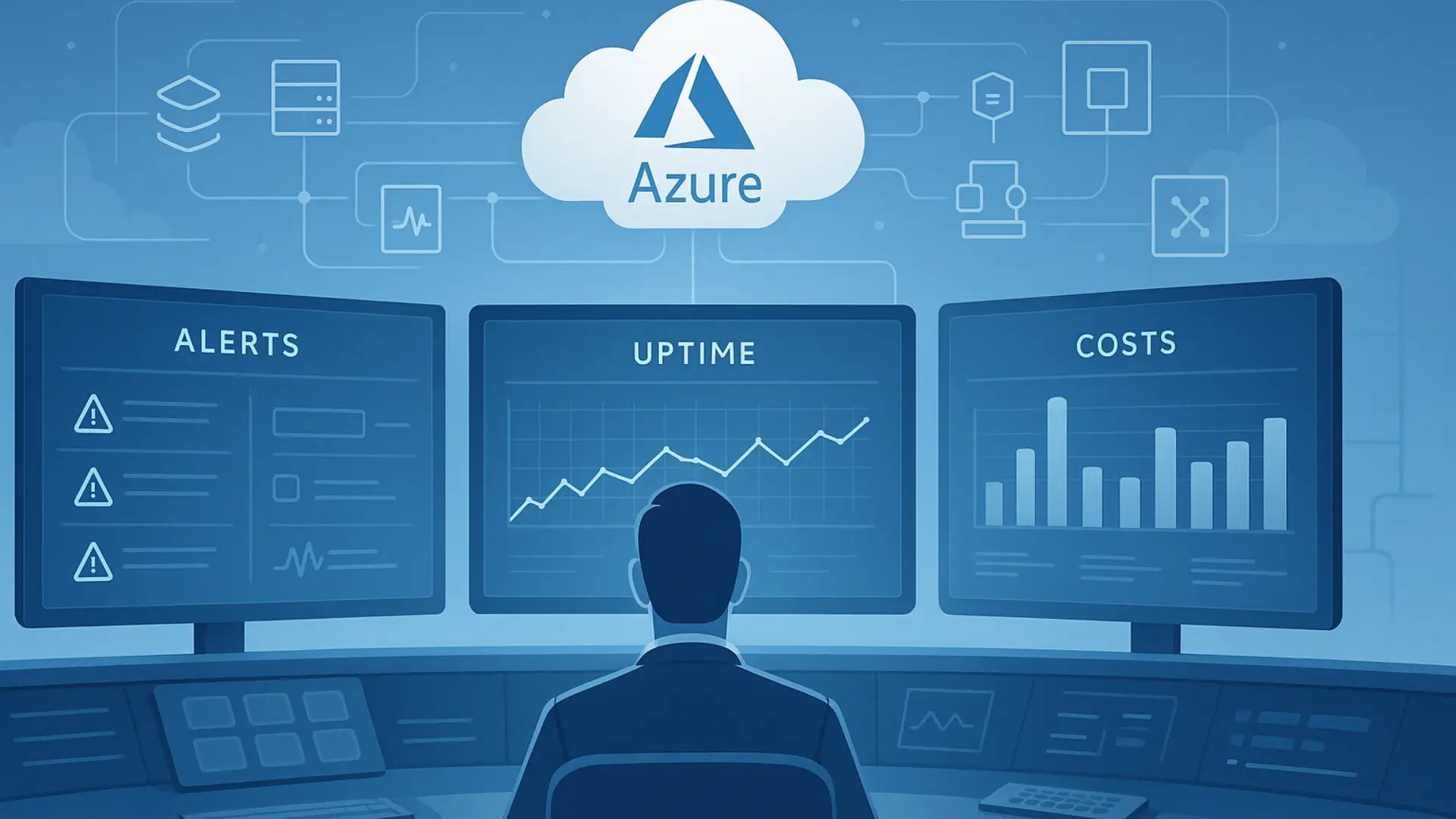
Launching Azure services is only the first step. Once your applications and systems go live, daily management becomes critical. Without proper operational oversight, businesses often face unexpected downtime, slow performance, and rising cloud costs. Effective monitoring helps you stay aware of what is happening in your Azure environment, fix issues early, and keep systems stable, secure, and aligned with business goals-exactly how TechnikGo approaches Azure operations for growing businesses.
Managing Azure services does not mean just setting up servers and applications once and forgetting them. Setup is only the beginning. Real management is an ongoing responsibility that continues every day after launch. It includes watching how services perform, checking whether systems are available, controlling cloud costs, and keeping everything running smoothly.
A simple way to understand this is by thinking of Azure as a factory. Building the factory is the setup. Running the control room – watching machines, power, safety, and output – is management. Proper Azure management gives businesses clear visibility, stable performance, reliable availability, and better cost control, helping cloud systems support growth instead of becoming a problem.
Operational oversight in Azure means having continuous awareness and control over everything running in your cloud environment. It ensures that services are not only active but also healthy, responsive, and aligned with business expectations.
Operational oversight is the process of constantly watching your Azure services to understand how they are behaving. It involves tracking performance, availability, usage, and system activity in real time. Instead of reacting after something breaks, oversight helps teams notice early warning signs and take action before users are affected. In simple terms, it is about knowing what is happening in your cloud at all times.
When operational oversight is weak or missing, problems stay hidden until they become serious. Small performance issues can silently grow into unexpected outages that interrupt daily operations. Customers may face slow applications or service disruptions, leading to dissatisfaction and loss of trust. Without clear visibility, cloud usage can also increase unnoticed, causing surprise costs at the end of the billing cycle. Proper oversight protects businesses from these risks by keeping Azure operations predictable and under control.
Not all problems in the cloud appear suddenly. Many start small and grow quietly. That is why some Azure services need continuous monitoring to ensure stability, performance, and a smooth user experience. This monitoring does not require deep technical knowledge to understand – only awareness of what impacts your business the most.
Virtual machines and compute services run your applications and workloads. If performance drops or resources are overloaded, applications slow down or stop working. Monitoring helps track usage levels, reliability, and overall system health, so issues are detected early, and performance stays consistent.
Databases and storage services hold critical business information. Monitoring ensures that data remains available, loads quickly, and does not face unexpected disruptions. Poor visibility here can lead to slow apps, missing data access, or service interruptions that affect daily operations.
Networking controls how users and systems reach your Azure services. Continuous monitoring helps identify connection delays, traffic bottlenecks, or access issues. When networking is healthy, users experience smooth and reliable access without delays or timeouts.
Applications and web services are what customers interact with directly. Monitoring these services helps track availability, response time, and overall user experience. Even small performance issues here can lead to frustration, lost users, and reduced trust.
Azure provides built-in monitoring tools that help businesses understand what is happening inside their cloud environment. The goal of these tools is awareness, not technical configuration. You do not need to know how to set them up to understand why they matter. They exist to give visibility, warn about problems early, and help keep Azure services stable and predictable.
Azure Monitor gives a clear view of the overall health of your Azure services. It helps track performance, usage, and availability in one place. For businesses, this means knowing whether systems are running smoothly or showing early signs of trouble. Azure Monitor acts like a health dashboard for your cloud, showing what is working well and what needs attention.
Logs and activity tracking help explain what happened and when. They record system actions, resource usage, and important events. When something changes or goes wrong, logs provide context instead of guesswork. This makes it easier to understand system behavior, identify unusual activity, and avoid repeating the same issues.
Alerts notify teams when something needs attention, such as performance drops or service interruptions. Dashboards present this information in a simple visual format. Together, they enable proactive issue detection, allowing teams to take action before customers are affected. Instead of reacting after failures, alerts and dashboards help maintain control and confidence in Azure operations.
Even with powerful monitoring tools available, many businesses struggle with Azure operations. These challenges usually come from process gaps, not technology issues. Understanding them clearly helps organizations avoid unnecessary risk and maintain stable cloud environments.
Businesses often set up alerts but never define what to do when they trigger. As a result, teams receive frequent notifications but ignore them due to overload or confusion. When every alert feels urgent, none feel important. This leads to delayed responses and problems escalating instead of being resolved early.
Monitoring only works when someone is responsible. In many organizations, alerts exist but no individual or team is clearly assigned to act on them. When ownership is missing, issues stay unaddressed, and small problems turn into outages. Clear accountability is essential for effective Azure management.
Without proper oversight, Azure usage can grow silently. Extra resources, increased traffic, or unused services may go unnoticed until the billing cycle ends. This results in surprise cloud costs that are difficult to explain or control. Monitoring usage trends helps prevent these unexpected increases.
A common misunderstanding is that Azure manages all aspects of cloud operations. While Azure provides the infrastructure, day-to-day operational oversight still belongs to the business. Assuming everything is automatically managed often leads to visibility gaps, delayed problem detection, and higher operational risk.
Successful Azure management is not about complex tools or advanced configurations. It is built on clear principles that help businesses stay in control of their cloud environment. These best practices focus on responsibility, visibility, and long-term stability rather than day-to-day technical tasks.
Every Azure service should have a clearly defined owner. This does not mean one person must do everything, but someone must be responsible for monitoring alerts, reviewing performance, and taking action when needed. Clear ownership removes confusion and ensures that cloud issues are addressed quickly instead of being ignored.
Not all services are equally important. Businesses should prioritize monitoring the systems that directly impact customers, revenue, and daily operations. By focusing first on business-critical services, teams can reduce risk and ensure that the most important parts of the Azure environment remain stable and reliable.
Cloud environments change constantly. Regular health reviews help teams understand trends, detect recurring issues, and identify areas for improvement. These reviews prevent small problems from becoming long-term operational risks and keep Azure services aligned with business needs.
Strong performance is important, but uncontrolled spending can hurt the business. Effective Azure management finds the right balance between speed, reliability, and cost. Monitoring both performance metrics and usage patterns helps businesses avoid overpaying while still delivering a smooth and consistent experience.
Not every business manages Azure in the same way. Some handle monitoring internally, while others rely on managed oversight. The right choice depends on the size of your cloud environment, internal skills, and how critical Azure is to daily operations. Understanding the difference helps businesses make informed decisions instead of reacting after problems occur.
Self-managed Azure monitoring can work well for small setups with limited workloads. Businesses with a skilled internal IT team and predictable usage often manage monitoring on their own. This approach is suitable when systems are not mission-critical, changes are infrequent, and the team has enough time to review alerts, performance, and costs regularly.
As Azure environments grow, monitoring becomes more demanding. Larger workloads, higher traffic, and complex architectures require continuous attention. Businesses that depend on Azure for customer-facing services often need 24/7 monitoring, faster response times, and proactive oversight. In these cases, managed Azure monitoring provides stability, reduces operational risk, and allows internal teams to focus on core business activities rather than daily cloud issues.
Azure operational monitoring plays a direct role in business growth. When cloud systems are monitored properly, leaders gain confidence that their digital operations can support expansion without unexpected disruptions.
Strong monitoring improves stability by identifying performance issues early, keeping applications reliable and available. This reliability builds customer trust, as users experience consistent service without slowdowns or outages. Monitoring also supports scalability by showing how resources are used, helping businesses plan growth without guesswork.
From a leadership perspective, monitoring improves cost control by making cloud usage visible and predictable. Over time, this visibility supports long-term planning, allowing decision-makers to align technology investments with business goals instead of reacting to emergencies.
As an Azure operations support partner, TechnikGo helps businesses maintain clear oversight of their cloud environments. The focus is on continuous monitoring, early issue detection, and proactive operational control. By aligning Azure performance and reliability with business objectives, TechnikGo supports stable operations while allowing internal teams to focus on growth rather than daily cloud management tasks.
Azure operational oversight means continuously watching and controlling how your cloud services run. It focuses on performance, availability, usage, and cost so that issues are detected early and systems stay stable and predictable.
Monitoring matters because it helps identify problems before they affect users. Without monitoring, small issues can turn into downtime, poor performance, and unexpected cloud costs that impact business operations.
No. While Microsoft Azure provides reliable infrastructure, daily operational monitoring, cost control, and performance oversight are still the business’s responsibility. Azure does not manage your operations on your behalf.
Yes. Monitoring shows how resources are being used and highlights waste, overuse, or unused services. This visibility helps businesses control spending and avoid surprise bills.
Even small setups benefit from monitoring. Basic oversight helps prevent outages, performance problems, and cost issues – especially when applications are customer-facing or business-critical.
Every Azure environment should have clear ownership. This can be an internal IT team or a managed cloud partner. What matters most is that someone is accountable for monitoring alerts, system health, and operational decisions.
2025 TechnikGo LLC. All Rights Reserved.