
Technik Go LLC is professionals at web development, digital marketing, and IT consulting. Our modern designs, innovative tech solutions, and innovative marketing tactics will transform your online presence and optimize IT processes for outstanding efficiency.
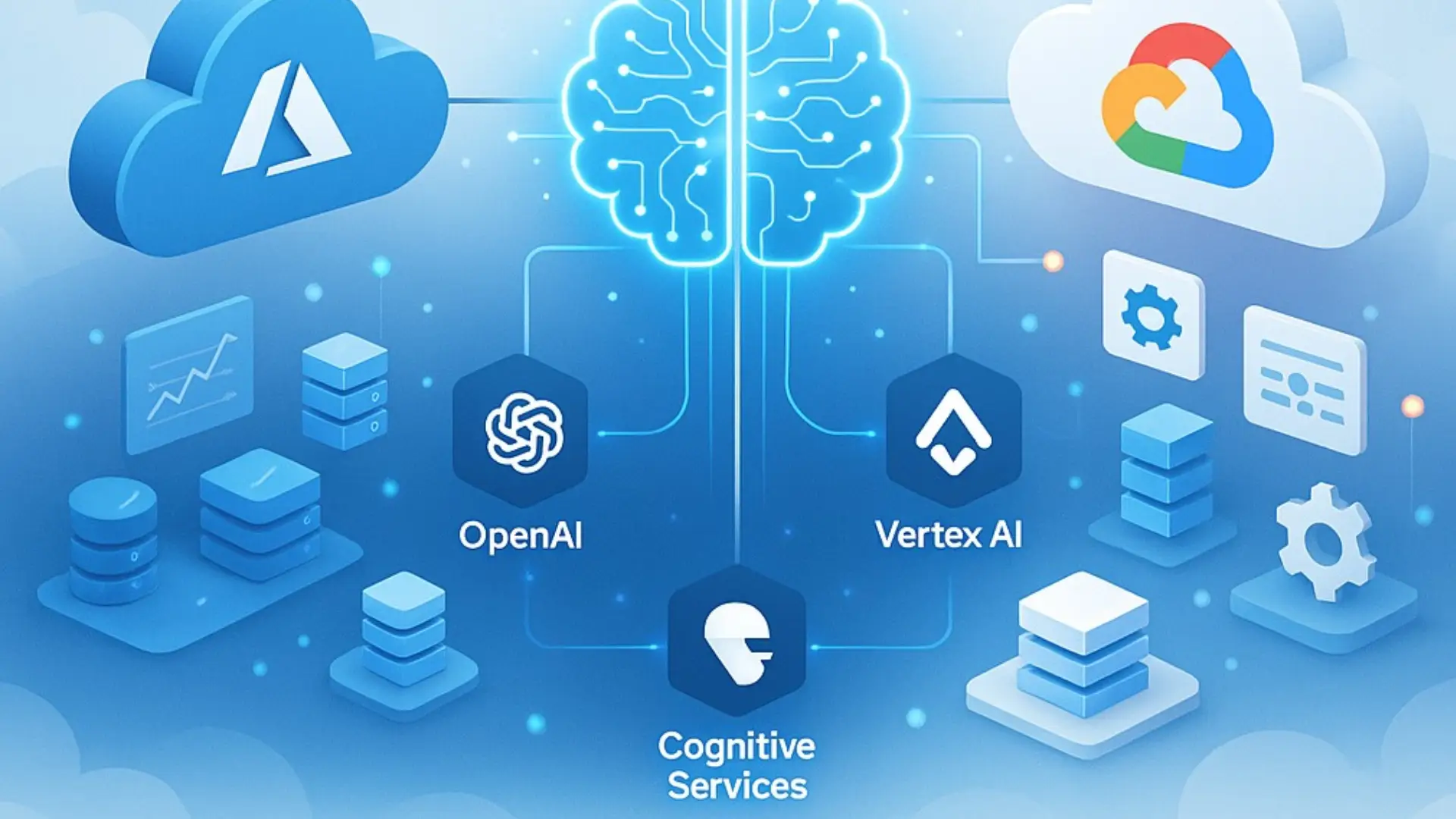
Are you ready to bring real AI power into your business? In this guide, we’ll walk you step-by-step through Azure & GCP AI activation – from turning on Azure OpenAI and Google Vertex AI to setting up Cognitive and ML services that fit your goals. You’ll learn how to pick the right cloud, enable APIs, manage access safely, and meet compliance rules – all explained in simple language. Whether you want smarter chatbots, quick content generation, or data insights, this guide will help you launch AI fast, securely, and without confusion.
Think of AI activation like turning the key to start a car – it’s what makes your cloud’s smart engine come alive. In simple terms, it means turning on AI models and APIs, connecting them to your business data, and setting the right rules for access and security. On platforms like Azure and GCP, this process helps you launch AI-as-a-Service (AIaaS) tools such as chatbots, image analyzers, or predictive models. In short, AI activation is the first step to bringing generative AI and machine learning into real business action.
Before starting, you need to pick which AI path fits your business – Microsoft Azure or Google Cloud.
If you choose Azure OpenAI, you’ll get access to OpenAI models like GPT-4, DALL·E, and embeddings, all inside the secure Microsoft ecosystem. It’s great if your team already uses Office 365, Teams, or Power BI, since everything connects easily. Azure also offers strong enterprise compliance and built-in controls for privacy.
If you pick Google Vertex AI, you’ll unlock Gemini models, custom ML tools, and direct links to BigQuery and Google Cloud Storage. It’s perfect if your projects involve large datasets, predictive analytics, or AI-driven apps.
In short:
(Sources: Microsoft Azure Documentation, Google Cloud Vertex AI Docs)
Turning on your AI service is easy if you follow a simple checklist. Both Azure OpenAI and Google Vertex AI need setup steps before your first API call. Think of it like setting up a new app before use – login, region, access, and test.
Select a data region close to your users (e.g., “East US” or “europe-west1”). This reduces latency and meets data compliance laws.
Check default quota limits (requests per minute, tokens, or compute hours). Increase only as your project grows to manage costs.
Test your setup with a quick example:
curl https://api.openai.azure.com/v1/completions \
-H "Authorization: Bearer $AZURE_API_KEY" \
-d '{"model":"gpt-4o","prompt":"Hello AI"}'
If you get a response, your AI service is live!
Tip: Bookmark the official docs for detailed SDK samples:
Before your AI can give smart answers, it needs access to your own data – but safely. This step is called RAG (Retrieval-Augmented Generation). Think of it like teaching your AI to “read from your company’s library” before answering.
RAG works by storing your documents as vectors (mathematical patterns) in a Vector Database. When you ask something, the AI searches your stored vectors to find the most relevant facts.
For setup:
Always follow data privacy rules – redact (hide) personal or sensitive information and apply IAM policies so only trusted users can access training data.
Pro tip: Use managed vector stores instead of building your own – they handle scaling, encryption, and compliance automatically.
Reference:
When launching AI on the cloud, security and compliance should be your first checkpoints. Here’s a quick list to stay safe and meet company or government rules:
References:
If you’re new to cloud AI, start with small, low-risk projects to learn safely and test real results. Here are three beginner-friendly ideas:
Each project helps teams learn cloud AI safely, explore APIs, and measure early impact before scaling.
When using Azure OpenAI or Vertex AI, your main costs come from how much data your model reads and writes – called inference costs. Training big models costs much more, but most businesses only use pre-trained models, so the main focus is on token usage (the number of words processed).
Watch for hidden fees like data egress (moving data out of the cloud) and storage. To stay within budget, set rate limits, use sampling for testing, and keep response sizes short.
For the best value, monitor usage regularly in your cloud dashboard. Every business has unique data and workloads, so it’s smart to contact Technik Go for a custom cost estimate and AI cost optimization plan.
If your business already uses one cloud, you don’t have to start from scratch to explore another. Thanks to API compatibility, many OpenAI-based apps can also run on Google Vertex AI with minimal code changes. Azure and GCP both support multi-cloud data access and hybrid deployments, so teams can keep their existing infrastructure while adding new AI tools.
Be mindful of vendor lock-in risks – using open standards, APIs, and multi-cloud RAG (Retrieval-Augmented Generation) helps you stay flexible. This way, you can combine Azure Cognitive Search with Vertex AI models or connect both to your private data safely.
AI Activation: Turning on and setting up cloud AI services like Azure OpenAI or Vertex AI so they can start working for your business.
RAG (Retrieval-Augmented Generation): A method that lets AI pull real data from your database before answering – for more accurate, fact-based results.
Vector DB: A special database that stores text or images as numbers (vectors) so AI can “search by meaning.”
Inference: The process where an AI model takes your input and gives an output – like a chatbot giving an answer.
Tokens: Small pieces of text that AI reads or writes; costs and limits depend on how many tokens you use.
PII (Personally Identifiable Information): Any data that identifies a person, like names, emails, or phone numbers, must always be protected.
Ready to launch your AI project but not sure where to start?
Technik Go helps you activate Azure OpenAI and Google Vertex AI quickly and securely.
Our team handles everything - setup, POC builds, compliance checks, and cost optimization - so you can focus on innovation.
You can activate Azure OpenAI or Vertex AI within a few hours. Azure may need approval for OpenAI access, while GCP allows quick setup through the Vertex AI console.
No. Both Azure OpenAI and Google Vertex AI do not use customer data for training unless you explicitly opt in.
Azure fits best for Microsoft-heavy environments (Teams, Dynamics, Office 365), while GCP Vertex AI works great for data-driven and analytics-first companies.
Yes, Azure OpenAI requires access approval. Vertex AI usually doesn’t – just enable the API and set permissions.
Yes. Many teams run multi-cloud AI setups, using Azure for Cognitive Search and Vertex for large-scale ML tasks.
Monitor usage with token limits, rate control, and budget alerts on both clouds to keep spending predictable.
2025 TechnikGo LLC. All Rights Reserved.