
Technik Go LLC is professionals at web development, digital marketing, and IT consulting. Our modern designs, innovative tech solutions, and innovative marketing tactics will transform your online presence and optimize IT processes for outstanding efficiency.
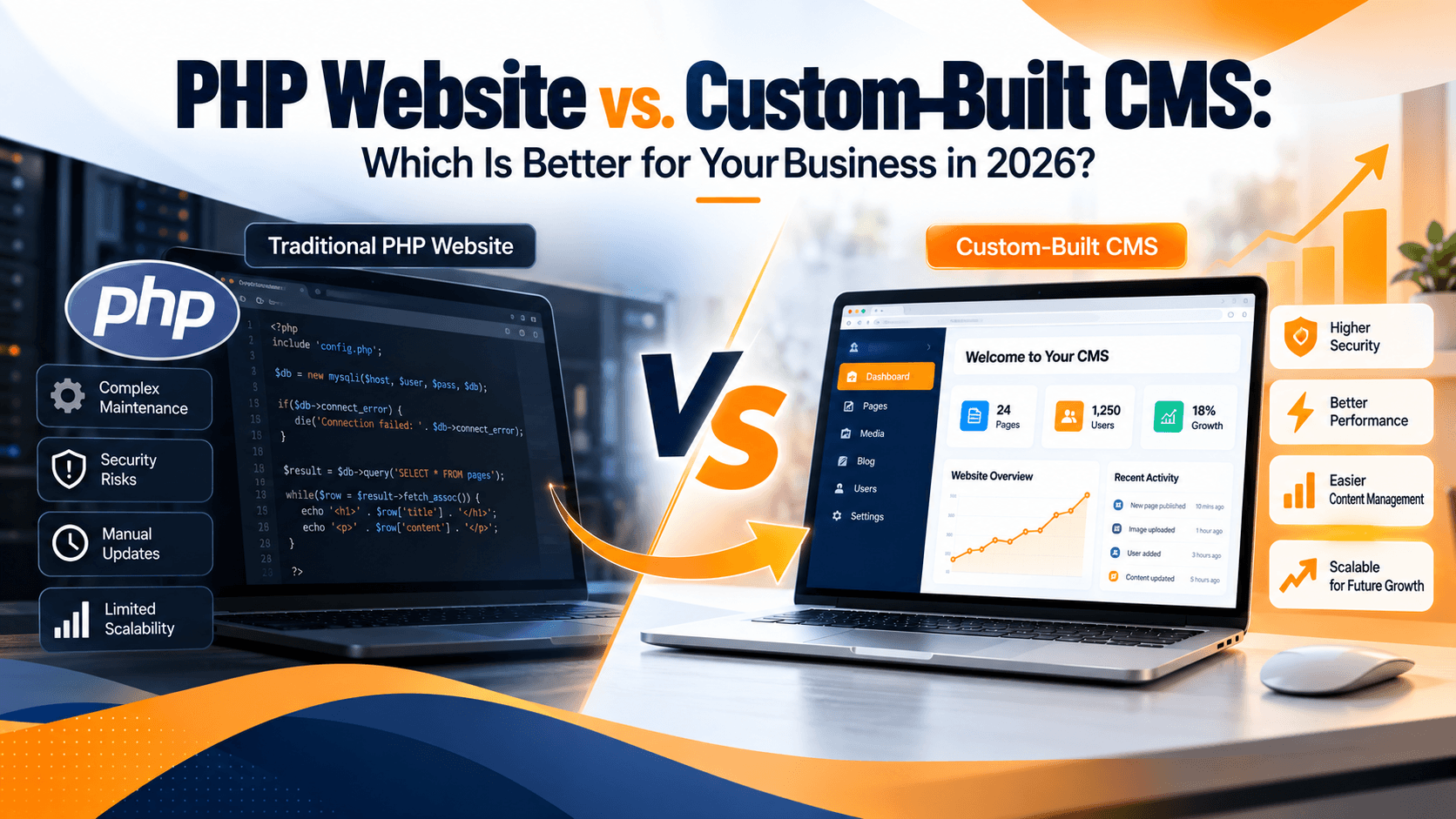
Your website is more than a digital presence. It supports your marketing, customer acquisition, sales, and day-to-day business operations. As your business grows, however, the website that once met your needs may become difficult to maintain, update, or scale.
This is where the comparison between a traditional PHP website and a custom-built Content Management System (CMS) becomes important.
Both approaches can deliver effective business websites, but they serve different requirements. A traditional PHP website can be an excellent choice for a focused, lightweight project. A custom-built CMS may be more suitable when your business needs specialized workflows, flexible content management, and greater control over its digital infrastructure.
In this guide, we compare a PHP website vs. a custom CMS across performance, security, scalability, maintenance, cost, and long-term business value to help you make an informed decision.
PHP is a server-side programming language commonly used to build dynamic websites and web applications. A traditional PHP website may contain custom PHP scripts, database connections, templates, forms, and business logic developed for specific requirements.
For example, a company website might use PHP to display service pages, process contact forms, retrieve database records, or provide customer login functionality.
A PHP website can be built from scratch or use an existing framework. It can be simple and efficient when the requirements are clearly defined.
However, some older PHP websites rely on outdated code, tightly connected components, manual content updates, or dependencies that are difficult to maintain. These limitations can become more noticeable as the business grows.
Content and application logic may be closely connected.
Changes may require developer involvement.
Custom features can require additional coding.
Maintenance depends on code quality and documentation.
Security and compatibility depend on the PHP version, libraries, server configuration, and development practices.
It is important to understand that PHP itself is not outdated. Modern PHP applications can be secure, fast, and scalable when they are properly designed and maintained.
A custom-built Content Management System is a software solution designed to let authorized users manage website content through an administrative interface.
Instead of editing code or requesting a developer to make every content change, your team can manage supported content from a dashboard.
Depending on your requirements, a custom CMS may include:
A centralized content management dashboard
Page and landing page management
Blog publishing and editing tools
User roles and permissions
Media and document management
SEO fields for titles, descriptions, and URLs
Custom forms and lead management integrations
Reporting, approval workflows, or third-party integrations
A custom CMS can be developed using PHP, a modern PHP framework, or another suitable technology stack. The key distinction is not simply the programming language. It is the architecture, functionality, and level of control provided to your business.
A custom CMS should be designed around actual business needs rather than adding complexity for its own sake.
The best option depends on the size of your website, the frequency of content updates, your technical requirements, and your long-term plans.
| Factor | Traditional PHP Website | Custom-Built CMS |
|---|---|---|
| Content management | May require developer support | Designed for supported self-service editing |
| Initial development | Can be cost-effective for simple projects | Usually requires more planning and development |
| Custom functionality | Depends on existing code and architecture | Can be tailored to specific business workflows |
| Scalability | Depends on code, infrastructure, and architecture | Can be architected for anticipated growth |
| Security | Depends on coding, dependencies, and maintenance | Requires secure design, testing, and ongoing updates |
| SEO management | May require manual code changes | Can provide centralized SEO controls |
| Maintenance | Can become difficult with poorly maintained code | Can be easier with clear architecture and documentation |
| Best suited for | Focused websites with stable requirements | Businesses needing flexible content and specialized workflows |
Neither option automatically wins in every category. A well-engineered PHP website can outperform a poorly designed CMS, while a thoughtfully built CMS can make ongoing website management much easier.
Content management is one of the biggest differences between a traditional PHP website and a custom CMS.
Imagine your marketing team needs to update service descriptions, publish a new article, change a landing page headline, or add a campaign page.
With a traditional PHP website, these changes may require a developer to modify templates or source files. This depends on how the original website was built.
A custom CMS can provide an administrative interface that allows authorized team members to perform supported updates without changing the underlying code.
A CMS may be useful when:
Your marketing team publishes content frequently.
Your website contains many service or location pages.
You regularly launch advertising campaigns.
Multiple team members manage website content.
You need approval workflows or specific user permissions.
If your website rarely changes and has only a few static pages, building a full custom CMS may not provide enough value to justify the additional investment.
Security should be considered regardless of which approach you choose.
Older websites can become vulnerable when they use unsupported software, outdated dependencies, insecure authentication, insufficient input validation, or poorly configured servers.
A custom CMS does not automatically solve these problems. In fact, custom software creates its own maintenance responsibilities.
A secure website should include appropriate measures such as:
Supported software versions and maintained dependencies
Secure authentication and access controls
Server-side input validation and output encoding
Protection against SQL injection and cross-site scripting
HTTPS and secure session handling
Regular backups and tested recovery procedures
Security monitoring, patching, and periodic reviews
A well-maintained PHP application can be a strong choice. Likewise, a custom CMS can provide better control over permissions and workflows when security is included in its design from the beginning.
The important question is not whether your website uses PHP, but whether its code, dependencies, and infrastructure are properly maintained.
Website speed affects usability and can influence conversion rates. Slow pages, delayed forms, and unreliable functionality can frustrate visitors and reduce confidence in your business.
Performance depends on several factors, including code quality, database queries, hosting resources, caching, image optimization, and third-party scripts.
A lightweight PHP website may perform very well because it contains only the functionality it needs.
A custom CMS can also deliver strong performance when it uses efficient database queries, appropriate caching, optimized assets, and a suitable infrastructure design.
However, adding unnecessary plugins, complex features, or poorly optimized modules can make any website slower.
Optimize database queries and indexes.
Compress and resize images appropriately.
Use browser and server-side caching where suitable.
Minimize unnecessary JavaScript and CSS.
Review slow API calls and third-party integrations.
Monitor real-world page performance.
Choose hosting resources that match traffic and workload requirements.
Before migrating, establish a performance baseline. This helps you identify which problems actually need to be solved.
Your website requirements may change as your company grows.
You may need new service pages, multiple content types, customer portals, CRM integrations, lead routing, multilingual content, or automated workflows.
A traditional PHP website can support these features if its architecture is designed appropriately. However, extending an older application with tightly coupled code may become increasingly difficult.
A custom CMS can be structured around your expected growth. For example, it may separate content management, user permissions, integrations, and presentation components to make future changes easier.
Before selecting an approach, consider your expected requirements over the next two to three years.
Ask yourself:
Will the website have significantly more pages?
Will non-technical staff manage most content?
Will the website integrate with CRM or marketing platforms?
Will you need custom user accounts or dashboards?
Will different departments need different permissions?
Will traffic or transaction volume increase substantially?
If several of these requirements apply, a CMS or a broader website modernization project may be worth evaluating.
For businesses that rely on organic search, the ability to manage SEO elements efficiently is important.
A traditional PHP website can support all essential SEO requirements, including editable metadata, canonical URLs, XML sitemaps, structured data, redirects, and internal linking. The challenge is that these features may require custom development if they are not already available.
A custom CMS can make routine SEO management easier by providing fields and workflows for:
Page titles and meta descriptions
Canonical URLs
Search-friendly URL structures
Image alt text
XML sitemap generation
Redirect management
Structured data where appropriate
Internal linking and content organization
These capabilities must be implemented correctly. A CMS does not guarantee better rankings, and an incorrect migration can damage existing search visibility.
If your current website already performs well in search results, any redesign or migration should preserve important URLs where possible and implement suitable redirects when URLs must change.
Cost is an important consideration, but the cheapest initial option is not always the least expensive over time.
A simple PHP website may be the most economical choice when the requirements are limited and stable. A custom CMS usually requires additional work for planning, administrative interfaces, permissions, testing, documentation, and maintenance.
Your total cost of ownership can include:
Initial development or migration
Hosting and infrastructure
Security updates and maintenance
Content updates and developer time
Third-party integrations
Monitoring, backups, and support
Future feature development
A custom CMS may reduce repetitive content-management work, but the savings depend on how often your team updates the site and how much developer support is currently required.
Estimate the cost of maintaining the current website over the next two to three years. Include developer hours, recurring maintenance, operational delays, and the cost of essential improvements.
Then compare that estimate with the proposed CMS development and maintenance budget.
This gives you a more meaningful comparison than looking at initial development cost alone.
Migration is not always necessary.
Your existing PHP website may be sufficient if:
It uses supported PHP versions and maintained dependencies.
Its code is secure, documented, and reasonably easy to maintain.
Your content changes infrequently.
The current architecture supports your business requirements.
Performance is acceptable.
Your team can make changes without excessive cost or delay.
In this situation, targeted improvements may be more practical than a complete rebuild.
You could update dependencies, improve server configuration, optimize database queries, refresh the user interface, or build a small administrative module for the tasks that need it.
The goal should be to solve business problems, not migrate simply because a newer technology exists.
A custom CMS may be worth considering when your current website creates recurring operational or technical limitations.
Common indicators include:
Routine content changes consistently require developer involvement.
Your team needs a centralized content-management dashboard.
Existing code makes new features expensive to implement.
You need custom workflows or user permissions.
Your business requires specialized integrations.
Your website needs a structured modernization plan.
Maintaining the current application is becoming increasingly difficult.
Before committing to a rebuild, conduct a technical assessment. Some websites need only selective refactoring, while others benefit from a new architecture.
The right decision should reflect your actual requirements, budget, risks, and growth plans.
A custom-built CMS is not the only alternative to a traditional PHP website.
WordPress may be a practical choice for many business websites, particularly when the main requirements involve pages, blogs, landing pages, and standard integrations.
A custom CMS may be more appropriate when your business needs specialized workflows, highly tailored administrative functions, or requirements that are difficult to satisfy cleanly with an existing platform.
Consider the following general guide:
Choose WordPress when you need established content-management features and your requirements fit its ecosystem.
Choose a custom CMS when your workflows or application requirements justify purpose-built functionality.
Modernize your existing PHP website when the current architecture remains suitable and targeted improvements can solve the problems.
There is no universal winner. The best solution is the one that meets your business requirements without introducing unnecessary complexity or maintenance costs.
If you decide to move forward, plan the project carefully to reduce disruption.
Review the codebase, PHP version, dependencies, database, hosting environment, security controls, integrations, and existing functionality.
Identify which content, features, workflows, and integrations must be retained, improved, or removed.
Compare your existing application, WordPress, a framework-based solution, and a custom CMS against the requirements.
Document the content structure, database changes, URL mapping, redirect requirements, testing process, backup plan, and launch schedule.
Build the required functionality and test security, usability, responsiveness, performance, forms, integrations, and permissions in a staging environment.
Inventory existing URLs, preserve valuable URLs where practical, configure redirects for changed URLs, review canonical tags, and validate the XML sitemap.
Take appropriate backups, verify the production environment, test key user journeys, and monitor errors, analytics, indexing, and performance after launch.
A planned migration is easier to manage than a rushed rebuild. It also gives your team a clearer way to measure whether the new solution delivers the expected benefits.
The choice between a PHP website and a custom-built CMS depends on your current technology, business processes, and future goals.
A traditional PHP website can remain an excellent solution when it is secure, maintainable, and aligned with your requirements. A custom CMS may provide greater operational flexibility when your team needs structured content management, specialized workflows, or a more adaptable digital platform.
Before deciding, assess your current website, identify the limitations affecting your business, and compare the long-term cost of maintaining it with the investment required for modernization.
TechnikGo helps businesses evaluate website development, modernization, and migration requirements to identify practical solutions for their digital infrastructure.
Planning to upgrade your existing website? Visit TechnikGo to explore your options and discuss a website solution aligned with your business goals.
No. PHP remains a viable technology for websites and web applications. The important factors are the PHP version, code quality, dependencies, security practices, and suitability of the architecture for your requirements.
A custom CMS can make content management and specialized workflows easier. However, a traditional PHP website may be more economical for a simple site with stable requirements. The right choice depends on your business needs.
Not automatically. Security depends on implementation, access controls, validation, dependencies, infrastructure, testing, and ongoing maintenance. Custom development can provide greater control but also creates responsibility for maintaining the software.
The cost depends on the required features, administrative interface, integrations, design, security requirements, data migration, and testing. A technical assessment and clearly defined scope are needed for a reliable estimate.
You can reduce migration risks by preserving important URLs, mapping changed URLs to relevant destinations, implementing redirects, retaining useful content, checking canonical tags, and monitoring search performance after launch. Rankings cannot be guaranteed, but careful planning can reduce avoidable losses.
WordPress is often suitable for standard content-management needs. A custom CMS may be a better fit when your business requires specialized workflows or functionality that existing platforms cannot meet efficiently.
No. Performance improvements may be possible through caching, database optimization, image compression, code updates, and infrastructure changes. A full rebuild should be considered only when the existing architecture prevents practical improvements or no longer meets your requirements.
2025 TechnikGo LLC. All Rights Reserved.