
Technik Go LLC is professionals at web development, digital marketing, and IT consulting. Our modern designs, innovative tech solutions, and innovative marketing tactics will transform your online presence and optimize IT processes for outstanding efficiency.
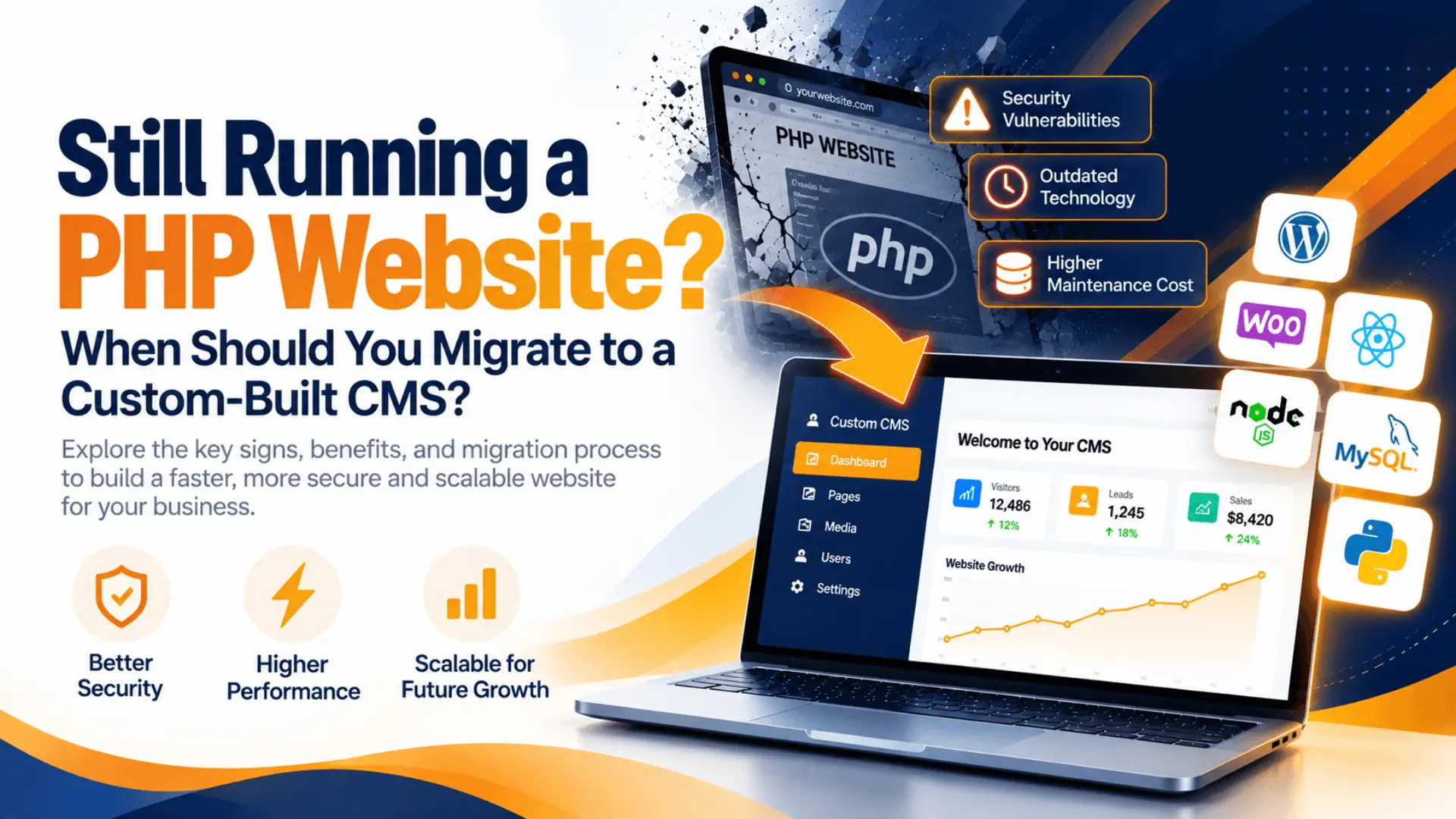
Your website is more than an online presence. It supports your marketing, customer acquisition, sales processes, and day-to-day business operations. But if your website was built years ago, its underlying technology may no longer meet your current requirements.
An outdated PHP website can become difficult to maintain, expensive to upgrade, and challenging to scale as your business grows. Security vulnerabilities, compatibility issues, slow page loads, and limited functionality may also affect the user experience.
This does not mean PHP itself is outdated or insecure. PHP continues to power modern web applications. The real concern is whether your existing website’s codebase, dependencies, architecture, and maintenance practices remain suitable for your business.
PHP website migration can help address these challenges when your existing system no longer provides the flexibility, performance, or maintainability you need.
In this guide, we explain the warning signs to look for, the benefits of moving to a custom-built content management system (CMS), and how to plan a successful website migration.
PHP website migration is the process of moving an existing PHP-powered website to a new technical architecture, application, hosting environment, or content management system.
Depending on your business requirements, migration might involve:
Upgrading your existing PHP version and dependencies.
Refactoring legacy code to improve maintainability.
Moving to a modern CMS or a custom-built content management system.
Rebuilding specific website modules or business workflows.
Migrating databases, customer records, media files, and website content.
Moving to a more suitable hosting or cloud infrastructure.
A complete rebuild is not always necessary. In some cases, upgrading and improving the current application is more cost-effective than replacing it.
The right approach depends on your existing website, technical limitations, budget, and long-term business objectives.
Running an unsupported PHP version or relying on abandoned libraries can expose your website to compatibility and security problems.
Older applications may also struggle when you introduce modern integrations, payment systems, APIs, or new business features.
What to do: Audit your PHP version, dependencies, framework, and hosting environment. Determine whether a controlled upgrade is practical or whether a rebuild would provide better long-term value.
Website security depends on more than the programming language. Vulnerable plugins, outdated libraries, weak authentication, unsafe database queries, poor access controls, and unpatched servers can create significant risks.
An older codebase may also make it harder to implement modern security controls.
What to do: Conduct a security assessment, update supported components, address vulnerabilities, and evaluate whether the existing architecture can support your security requirements.
Slow page loads and unresponsive features can frustrate visitors and reduce conversions. Performance problems may result from inefficient database queries, oversized images, poorly optimized code, inadequate caching, or insufficient server resources.
Simply migrating to a new CMS will not automatically solve these problems.
What to do: Measure performance using tools such as Google PageSpeed Insights, review server and database performance, and identify the actual bottlenecks before choosing a migration strategy.
Does every new feature require complicated workarounds? Are developers reluctant to modify parts of the application because one change could break another?
These may be signs of tightly coupled code, undocumented functionality, or an architecture that no longer fits your business.
What to do: Evaluate whether refactoring, modular development, or a custom-built CMS would make future enhancements easier and more predictable.
Legacy systems can require more time for troubleshooting, compatibility fixes, manual updates, and emergency maintenance.
When experienced developers spend most of their time keeping the existing system running, less time remains for improvements that create business value.
What to do: Compare your ongoing maintenance costs with the projected costs of upgrading, refactoring, or rebuilding the website.
Your business may now require customer portals, role-based dashboards, CRM integrations, automated workflows, reporting tools, or multiple service areas.
An older website may not support these requirements without extensive modifications.
What to do: Map your current and future requirements before selecting a new CMS or architecture.
Website redesigns and migrations can affect search visibility when URL structures change, redirects are missed, metadata is lost, or important pages become inaccessible.
What to do: Include SEO migration planning in the technical scope. Preserve valuable URLs wherever possible and implement appropriate redirects when changes are necessary.
A custom-built CMS is designed around specific content management needs and business workflows. It may be a good choice when existing systems create significant limitations, but it is not automatically better than every established CMS or modern PHP application.
Factor | Legacy PHP website | Custom-built CMS |
|---|---|---|
Architecture | May have accumulated technical debt | Can be designed around defined requirements |
Maintenance | May require frequent manual fixes | Can be structured for easier maintenance |
Security | Depends on code, dependencies, and maintenance | Security controls can be tailored to requirements |
Scalability | Depends on the existing architecture | Can be designed for expected growth |
Integrations | May require complex workarounds | Can support business-specific integrations |
Development cost | Potentially lower for small fixes | Higher initial investment may be necessary |
Long-term flexibility | Depends on code quality and documentation | Greater control over custom features |
Important: A custom CMS also requires ongoing maintenance, security updates, testing, documentation, and developer support. A well-maintained existing application may be the better option if it already meets your business needs.
A well-designed CMS separates responsibilities into manageable components, making it easier to update features, troubleshoot issues, and onboard developers.
A new system provides an opportunity to implement secure authentication, role-based access, input validation, protected APIs, logging, and dependency management.
Security still depends on implementation quality and ongoing maintenance rather than the CMS alone.
A carefully planned migration can eliminate unnecessary code, improve database queries, optimize caching, and streamline how pages and resources are delivered.
Performance improvements should be measured against your existing website rather than assumed.
A custom-built CMS can accommodate workflows that generic systems may not support efficiently, including specialized dashboards, approval processes, customer portals, and integrations with internal business applications.
When the architecture is documented and aligned with your business requirements, your development team can make informed decisions about new features, integrations, and infrastructure.
Clear documentation, automated testing, deployment processes, and a defined update strategy can help reduce avoidable maintenance effort.
Not every business needs a completely custom solution.
The best option is the one that meets your requirements without introducing unnecessary cost or complexity.
A structured migration process helps protect your website’s functionality, data, and organic search visibility.
Document the current PHP version, frameworks, dependencies, database structure, website URLs, integrations, security concerns, and critical business functions.
Decide whether to upgrade, refactor, migrate to an established CMS, or rebuild using a custom architecture. Set a realistic scope, budget, and timeline.
Map database fields, content types, user accounts, media files, and relationships. Back up the existing website and test the migration process before production deployment.
Build the required functionality and test authentication, permissions, forms, integrations, responsiveness, performance, accessibility, and security.
Inventory important URLs, retain existing paths when possible, map changed URLs to relevant destinations, implement permanent redirects, and validate metadata, canonicals, robots directives, and XML sitemaps.
Deploy using a tested release and rollback plan. Check critical user journeys, server logs, analytics, conversion tracking, broken links, and Google Search Console after launch.
The cost of migrating a PHP website depends on its size, complexity, technical condition, and the features required in the new system.
A simple brochure website with limited functionality may need only a focused upgrade or rebuild. A complex business application with custom workflows, large databases, user permissions, and multiple integrations requires considerably more planning and development.
Common cost factors include:
Existing code quality and technical debt.
Number of pages, content types, and database records.
Custom functionality and third-party integrations.
UI/UX redesign and responsive development.
Security requirements and testing.
SEO preservation and redirect implementation.
Hosting, deployment, documentation, and ongoing maintenance.
Rather than selecting a migration approach based solely on initial cost, compare the total expected cost of ownership, including future maintenance and development.
Even a well-developed replacement website can experience problems if migration planning is incomplete.
Avoid these common mistakes:
Rebuilding without an audit: Important business logic and dependencies may be overlooked.
Ignoring SEO: Unmapped URLs and missing redirects can reduce organic traffic.
Migrating unverified data: Incorrect field mapping can lead to missing or corrupted records.
Launching without adequate testing: Broken forms, authentication issues, and integration failures can affect customers.
Overlooking security: A new platform still needs secure configuration, access controls, and updates.
Skipping backups and rollback planning: Recovery may become difficult if the launch encounters serious issues.
Choosing unnecessary complexity: A custom CMS may cost more to build and maintain than an established platform that already meets your requirements.
A successful migration should improve your website’s ability to support the business without introducing avoidable technical or operational risks.
TechnikGo helps businesses evaluate and improve their digital infrastructure through website development and IT consulting services.
If your existing PHP website has become difficult to maintain, secure, or scale, the first step is to understand its current limitations and determine the most practical path forward.
A website modernization project may involve technical assessment, application redevelopment, database migration, integration planning, performance improvements, hosting considerations, and SEO-conscious implementation.
Our focus is to help you identify an appropriate solution based on your business requirements, existing technology, and future goals.
Whether your website needs targeted improvements or a broader migration strategy, a structured assessment can help you make a more informed investment.
Yes. PHP remains a viable technology for modern websites and applications. The important factors are the supported PHP version, code quality, framework, dependencies, security practices, and maintenance strategy.
Not necessarily. A technical audit may show that upgrading PHP, updating dependencies, refactoring legacy code, or replacing specific modules is sufficient. A complete rebuild is more appropriate when the existing architecture cannot reasonably support your requirements.
It can create an opportunity to address existing security weaknesses, but security is not guaranteed by migration alone. Secure implementation, testing, patching, access controls, monitoring, and ongoing maintenance remain essential.
It can. Search visibility may fluctuate after a migration, particularly if URLs, content, internal links, metadata, or redirects change. Careful planning and post-launch monitoring help reduce avoidable SEO issues.
The timeline depends on the scope. A small website with limited functionality may require substantially less work than a complex application with extensive data, custom integrations, and business-critical workflows. An initial assessment helps establish a realistic schedule.
Not in every case. WordPress is suitable for many business and content-driven websites. A custom CMS may be preferable when specialized workflows, permissions, or integrations justify the additional development and maintenance investment.
An aging PHP website does not automatically need to be replaced. However, recurring security issues, growing maintenance costs, limited flexibility, and architectural constraints are reasons to evaluate your options.
The right modernization strategy can help you build a more maintainable, secure, and scalable digital platform while protecting important business data and search visibility.
Is your existing PHP website becoming difficult to maintain?
TechnikGo can help you evaluate your current website and explore a practical migration or modernization strategy.
2025 TechnikGo LLC. All Rights Reserved.